
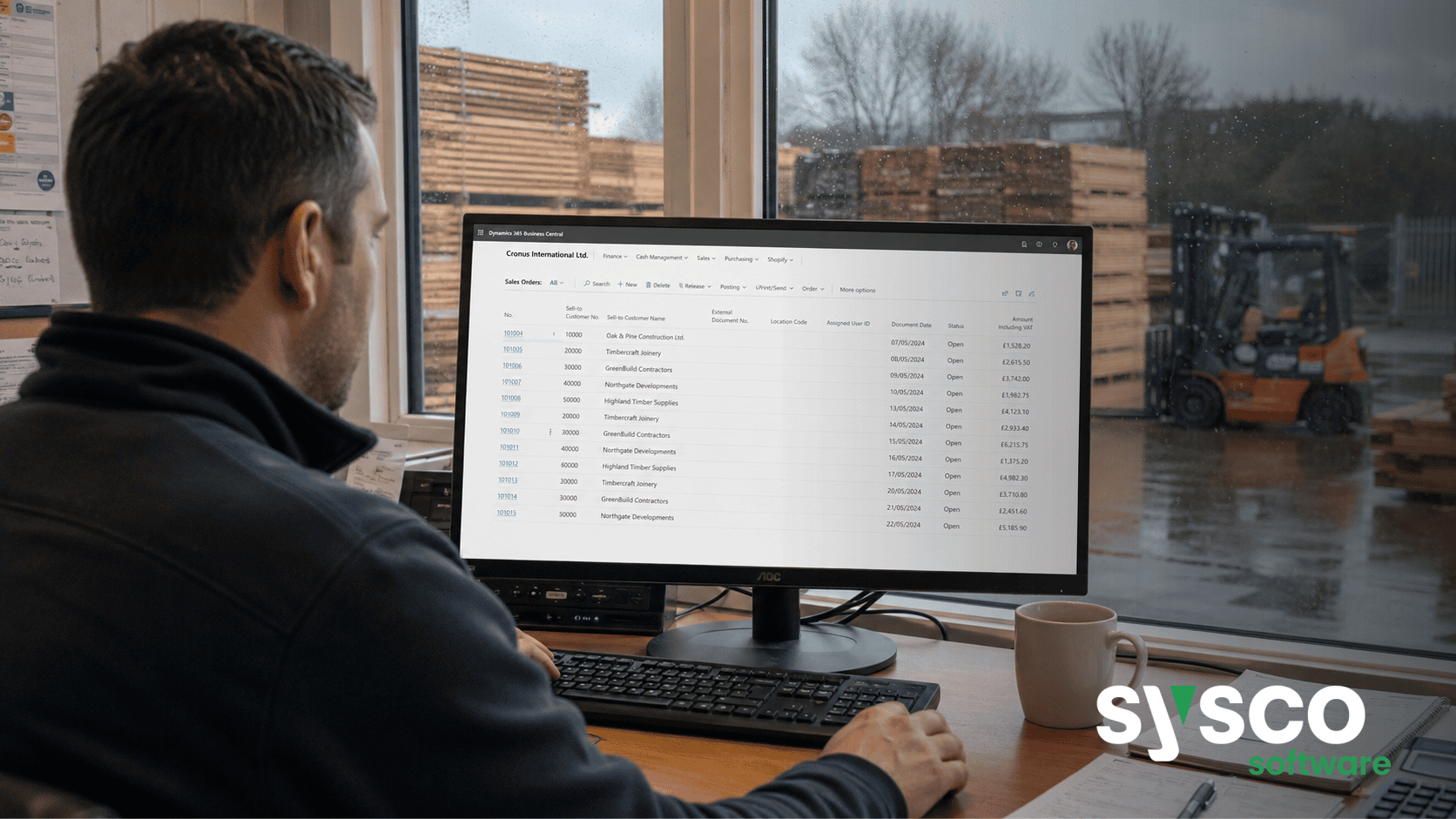
Business Central Implementation: Where Do You Start?
Feeling overwhelmed by the prospect of implementing Microsoft Dynamics 365 Business Central and unsure where to begin? This article clarifies the critical steps involved, outlining a practical roadmap from initial assessment through ongoing support, ensuring your implementation delivers lasting value.
1. What Makes Business Central Implementation Different?
Beyond Software Installation
Implementing Microsoft Dynamics 365 Business Central isn’t simply about installing software; it’s fundamentally reshaping how an organisation operates. Unlike point solutions that address specific departmental needs, Business Central aims to connect finance, sales, purchasing, inventory, and manufacturing—often previously managed in separate systems. This integration demands a holistic understanding of business processes, something Sysco Software brings through more than 40 years’ experience.
The Importance of Process Mapping
Many organisations underestimate the significance of process mapping before implementation. Simply replicating existing inefficient workflows within Business Central will not yield the desired benefits.
Instead, the implementation process should be an opportunity to analyse and streamline operations, identifying areas for improvement and automation. Our SmartStep methodology prioritises this critical discovery phase.
2. The Critical First Steps: Assessment & Discovery
Understanding Current State
The initial assessment goes beyond a simple feature checklist. We delve into your current systems – whether they’re legacy ERP platforms, spreadsheets, or disconnected applications—to understand their limitations and identify pain points. This involves detailed discussions with key stakeholders across finance, operations, sales, and IT.
Defining Scope & Objectives
Clearly defining the scope of the implementation is paramount. What business processes will be included in the initial rollout?
What are the specific objectives you hope to achieve—improved financial control, enhanced inventory accuracy, streamlined production planning? A well-defined scope prevents “scope creep” and ensures a focused, manageable project.
SmartStep Discovery
Sysco Software’s SmartStep methodology incorporates a formal “Discover” phase. This involves workshops, process mapping exercises, and documentation of current state processes to establish a baseline for improvement. The output is a detailed requirements document that serves as the foundation for the entire project.
3. Designing Your Solution: Aligning with Business Needs
Customisation vs. Configuration
The design phase focuses on translating your business requirements into a tailored Business Central solution. A key decision here involves balancing configuration (using built-in functionality) and customisation (developing bespoke code).
We always advocate for minimising customisations, as they increase complexity, cost, and maintenance overhead. Our expertise lies in configuring Business Central to meet the vast majority of organisational needs.
Industry Best Practices
Sysco Software’s industry-specific knowledge allows us to leverage best practices from other organisations within manufacturing, wholesale distribution, food and beverage, and similar sectors. This helps avoid common pitfalls and accelerate time to value.
4. Configuration vs. Customisation: Finding the Right Balance
The Cost of Customisation
While customisations might seem like a way to address unique requirements, they introduce significant risks. They can be expensive to develop and maintain, difficult to upgrade when new versions of Business Central are released, and potentially create compatibility issues with other applications.
Leveraging Standard Functionality
Business Central’s extensive standard functionality often provides a surprising level of flexibility. Our consultants are skilled at configuring the system to meet specific needs without resorting to custom code. We also develop and offer Sysco Software Essential Apps that address common operational requirements in a pre-built, supported manner.
5. Data Migration: Minimising Disruption, Maximising Accuracy
Planning for Data Integrity
Data migration is often the most challenging aspect of any ERP implementation. It’s crucial to cleanse and validate data before migrating it into Business Central. Inaccurate or incomplete data will undermine the entire system’s effectiveness.
Staged Migration Approach
We typically recommend a staged data migration approach, moving smaller datasets first to test processes and identify any issues before tackling larger volumes. This minimises disruption to ongoing operations.
Data Mapping & Transformation
A detailed data mapping exercise is essential to ensure that data fields in the legacy system are correctly mapped to corresponding fields in Business Central. Data transformation may be required to align data formats and structures.
6. Training and Change Management: Ensuring User Adoption
User Buy-In
Successful implementation hinges on user adoption. Resistance to change is a common challenge, so proactive training and communication are essential. Early involvement of key users in the design process helps foster buy-in and ownership.
Tailored Training Programs
Sysco Software provides tailored training programs designed to meet the specific needs of different user groups. These programs cover both functional aspects of Business Central and best practices for utilising the system effectively.
Ongoing Support & Documentation
Comprehensive documentation and ongoing support are crucial to reinforce learning and address any questions or issues that arise after go-live.
7. Post-Implementation Support: Sustaining Success & Future Growth
Managed Services Options
Sysco Software offers managed services packages to provide ongoing technical support, platform optimisation, and proactive maintenance. This ensures the system continues to perform optimally and adapts as business needs evolve.
Continuous Improvement
Business Central implementation shouldn’t be viewed as a one-time project but rather as an ongoing journey of continuous improvement. Regular reviews and assessments can identify opportunities to refine processes, leverage new functionality, and maximise the return on your investment.
Ready to transform your business with Microsoft Dynamics 365 Business Central? Explore our Business Central Implementation Services and let us guide you through a successful implementation journey.






