
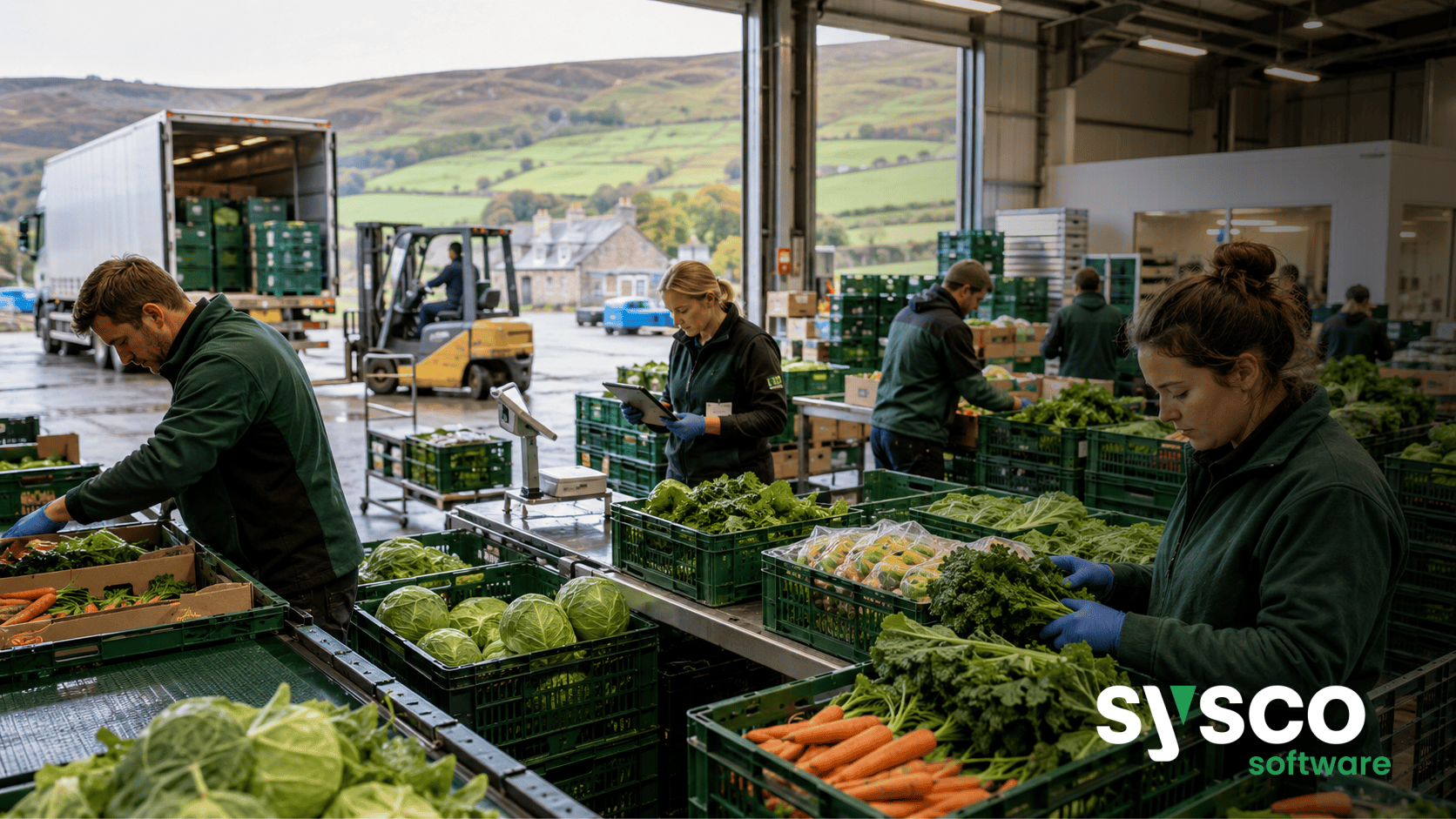
Food ERP: A Practical Guide to Implementation
The sheer volume of paperwork required to maintain accurate product traceability in many UK and Irish agri-food businesses can feel overwhelming, consuming valuable time that could be better spent on more strategic initiatives. Implementing Food 365, built on Microsoft Dynamics 365 Business Central, provides a structured approach to ERP implementation, moving beyond paper trails and spreadsheets towards connected operations.
Phase 1: Defining Your Agri-Food Business Needs & Objectives
Understanding Current Pain Points
Before even considering software, it’s vital to thoroughly define your current challenges. Don’t just list symptoms; dig deep to understand the root causes.
For example, is a lack of traceability due to poor record keeping, or a more fundamental issue with process control? Engage key stakeholders from finance, production, sales, and logistics – their insights are invaluable.
Food 365 can address issues like disconnected finance, production, sales and supply chain systems; limited visibility of stock, production performance and customer activity; manual reporting across operational and commercial teams; and difficulty connecting supply and demand.
Setting SMART Objectives
Once you’ve identified pain points, translate them into Specific, Measurable, Achievable, Relevant, and Time-bound (SMART) objectives. Instead of “improve efficiency,” aim for “reduce production time by 10% within six months.” Clearly defined objectives provide a roadmap for implementation and allow you to measure success later on. These objectives should align with your broader business goals, ensuring the ERP investment delivers tangible returns.
Phase 2: Data Migration and Cleansing – Getting Ready for the Switch
Data Audit & Assessment
Your existing data is the foundation of your new system. A comprehensive audit is essential to assess its quality, completeness, and accuracy.
Identifying duplicates, inconsistencies, and missing information is crucial before migration begins. This phase can be time-consuming but skipping it will lead to significant problems down the line.
Data Cleansing Strategies
Once you’ve identified data issues, develop a strategy for cleansing them. This might involve manual correction, automated scripts, or a combination of both.
Prioritise critical data – customer information, product details, and financial records – to ensure accuracy in the new system. Remember that inaccurate data entering Food 365 will only replicate those inaccuracies within your ERP.
Migration Planning
Plan how you’ll move your data into Food 365. This might involve a phased approach, migrating data in stages to minimize disruption.
Consider using migration tools or services to streamline the process and ensure data integrity. Working with Sysco Software’s implementation specialists can help tailor a migration plan that suits your specific requirements.
Phase 3: Configuration and Customisation – Tailoring Food 365 to Your Processes
Understanding Configuration vs. Customisation
Food 365, built on Microsoft Dynamics 365 Business Central, offers extensive configuration options – adjusting settings and workflows without altering the core code. Customisation involves modifying the underlying code, which should be approached cautiously due to potential upgrade complications. Prioritise configuration whenever possible.
Mapping Processes to Food 365 Functionality
Carefully map your existing business processes to the corresponding functionality within Food 365. Identify areas where standard features meet your needs and those requiring some level of adjustment or customisation. This process requires close collaboration between your team and Sysco Software’s consultants.
Customisation Considerations
If customisation is unavoidable, thoroughly document all changes and assess their potential impact on future upgrades. Keep customisations to a minimum and explore alternative configuration options whenever possible. Food 365 for Bread, Bakery and Prepared Food Manufacturers offers specific functionality to support batch control, traceability and customer ordering – leveraging these built-in features minimises the need for bespoke development.
Phase 4: Testing, Training, and User Adoption – Ensuring a Smooth Transition
Rigorous Testing
Thorough testing is paramount. Develop comprehensive test scripts that cover all key business processes.
Involve end-users in the testing process to gather feedback and identify usability issues. Food 365 for Fresh Produce businesses can benefit from testing production, packing, dispatch, invoicing and traceability functions.
User Training
Provide adequate training to all users on their respective roles within Food 365. Offer a variety of training formats – online tutorials, classroom sessions, and hands-on workshops – to cater to different learning styles. Ongoing support and refresher training are also essential.
Change Management
ERP implementation represents a significant change for many employees. Address concerns proactively through clear communication, involvement in the process, and highlighting the benefits of the new system. Food 365 for Meat Processors provides producer payments, catch weights and integrated EDI to support production, sales and compliance processes; communicate these improvements clearly to build buy-in.
Phase 5: Go-Live & Ongoing Support – Maximising Your Investment with Sysco Software
Go-Live Planning
Develop a detailed go-live plan that outlines all tasks, responsibilities, and timelines. Consider a phased rollout – implementing Food 365 in one department or location before expanding to others – to mitigate risk.
Post-Implementation Support
Sysco Software provides ongoing support after go-live to address any issues and ensure the system operates smoothly. This includes technical assistance, user training, and system updates. Food 365 for Dairy Processors offers ingredients tracking, packaging control and product batch control – ensuring continued operational efficiency requires dedicated post-implementation support.
Continuous Improvement
ERP implementation isn’t a one-time event; it’s an ongoing process of continuous improvement. Regularly review system performance, gather user feedback, and identify areas for optimisation. Food 365 for Feeds, Seeds and Agri-Business Commodities includes integrated financial management and label printing – monitor these functionalities to maximise your investment.
Implementing a new ERP system can be challenging but with careful planning and execution, Food 365 can transform your agri-food business. To explore how Food 365 can streamline your operations and drive growth, book a walkthrough today.






