
Dynamics 365: Extend AI, Don’t Reinvent It
The relentless flow of vendor invoices, often arriving in varying formats and requiring manual data entry, creates significant operational bottlenecks for many organisations using Dynamics 365 Business Central. This process consumes valuable staff time, introduces errors that can impact financial reporting, and ultimately hinders efficiency. Rather than attempting to build custom AI solutions from scratch, businesses should first explore the powerful capabilities already embedded within Dynamics 365 through prebuilt agents and Microsoft Copilot.
The Hidden Costs of Manual Invoice Processing in Dynamics 365
Manual invoice processing is a common pain point across many industries, regardless of the ERP system in place. Within Dynamics 365 Business Central, this often manifests as key personnel spending considerable time extracting information from invoices – whether they are paper-based or received electronically – and manually entering that data into the system. This process is not only time-consuming but also prone to human error, which can lead to incorrect payments, delayed reconciliation, and potential compliance issues. Furthermore, it diverts valuable employee attention away from more strategic tasks, limiting overall productivity. The cost extends beyond just salaries; consider the impact of inaccurate data on financial reporting and the risk associated with non-compliance.
What’s Already Available: Dynamics 365 Agents and Copilot
Microsoft has significantly expanded its AI offerings within Dynamics 365, providing a wealth of prebuilt agents and integrations designed to streamline common business processes. These aren’t simply isolated features; they represent a coordinated effort to infuse intelligence into the core functionality of Business Central, Sales, Field Service, Finance and Supply Chain Management. Microsoft Copilot itself offers significant assistance for data exploration and summarisation, while dedicated agents like the Payables Agent specifically target invoice processing challenges. The key is understanding what’s already available and how it can be leveraged before embarking on complex custom development projects. These prebuilt solutions are designed to address common use cases, reducing the need for bespoke implementations that require significant investment in time and resources.
Sales Order Agent: Automating Quote and Order Capture
The Sales Order Agent within Dynamics 365 Business Central provides a straightforward solution for automating customer order capture directly from email. Instead of manual data entry, incoming sales orders can be automatically extracted from emails, pre-populated into the system, and routed to the appropriate personnel for review and approval. This significantly reduces administrative overhead and minimizes errors associated with manual transcription. The agent intelligently parses information such as product codes, quantities, and pricing, ensuring accurate order creation. It’s a prime example of how readily available technology can address a common operational challenge without requiring custom coding or extensive configuration.
Payables Agent: Simplifying Vendor Invoice Intake
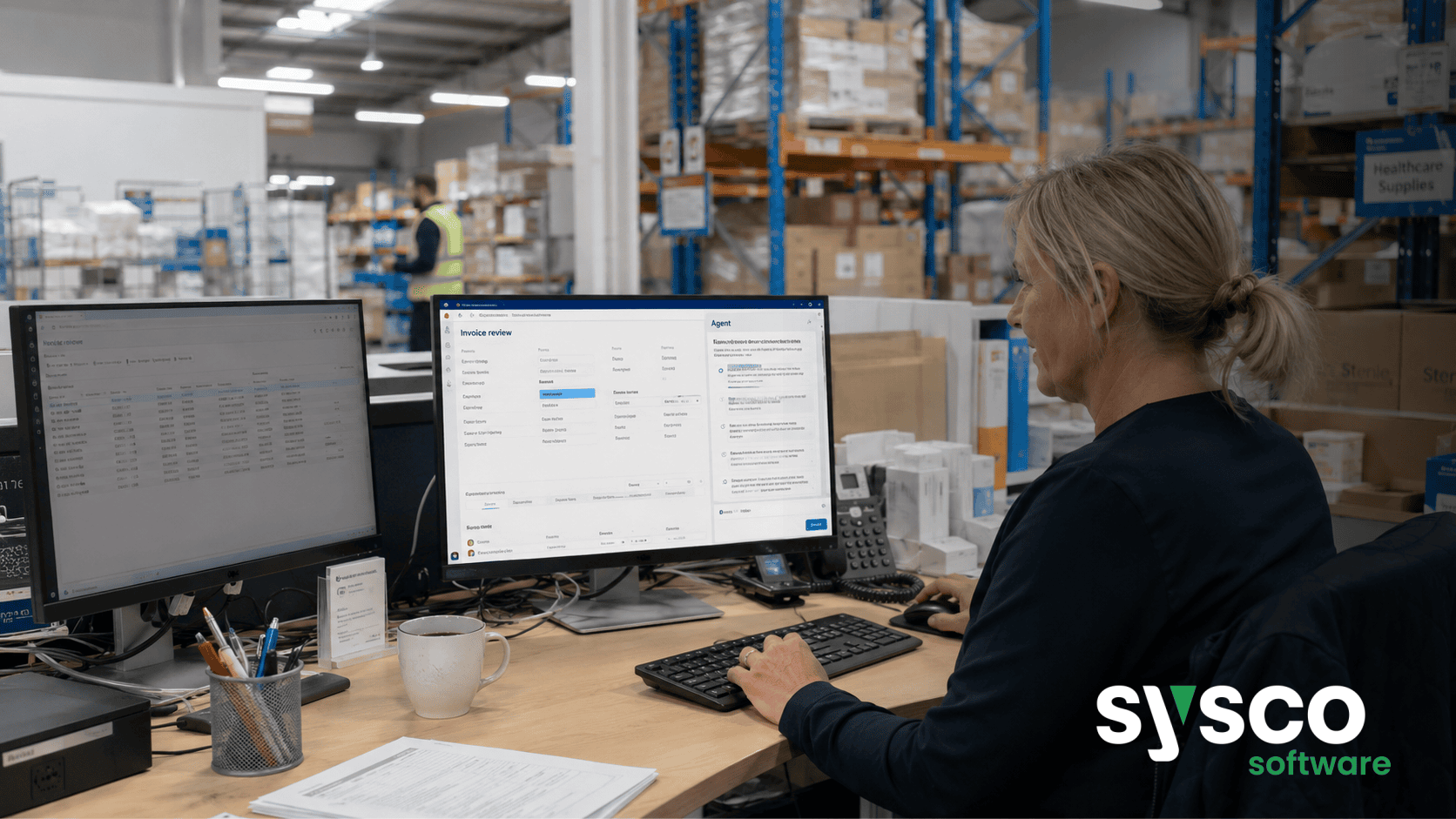
Similar to the Sales Order Agent, the Payables Agent focuses on streamlining vendor invoice processing. This agent intelligently extracts key data from incoming invoices – including supplier details, invoice numbers, amounts due, and payment terms – and automatically creates draft vendor invoices within Dynamics 365 Business Central. The system then routes these drafts to the appropriate approvers for review and validation. This automation drastically reduces manual effort, minimizes errors, and accelerates the invoice processing cycle. By leveraging this prebuilt agent, organisations can significantly reduce their accounts payable workload while improving accuracy and compliance.
Beyond the Basics: Customising Agents with Microsoft Copilot Studio
While the prebuilt agents offer substantial benefits, there are often scenarios that require more tailored solutions. This is where Microsoft Copilot Studio comes into play. Copilot Studio allows users to extend existing Dynamics 365 agents or create entirely new ones using a low-code approach. This empowers organisations to build custom AI workflows without needing extensive programming expertise. By combining the power of prebuilt agents with the flexibility of Copilot Studio, businesses can address unique operational challenges and further optimise their processes. However, it’s crucial to remember that customisation should be approached strategically – only extending existing capabilities where a clear business case exists and after thoroughly evaluating available options.
Governing Your AI Workflows for Compliance and Control
Implementing AI solutions, even prebuilt ones, necessitates careful governance to ensure compliance, maintain data security, and preserve human oversight. Microsoft’s approach to agentic business applications prioritises trust – a “trust layer” that encompasses security, governance, and compliance. This means establishing clear guidelines for agent activity, defining approval workflows, and monitoring performance to identify areas for improvement. It’s essential to define roles and responsibilities, implement robust audit trails, and ensure that AI-driven decisions align with organisational policies. Before deploying any AI solution, a thorough assessment of data quality, permissions, and environment controls is paramount. Sysco Software offers an Agent Readiness and Governance Assessment service specifically designed to address these critical considerations before autonomous workflows are deployed.
To discover how Sysco Software can help your organisation leverage the power of Dynamics 365 AI agents and streamline your business processes, visitSysco Software for Microsoft Dynamics 365 solutions.






