
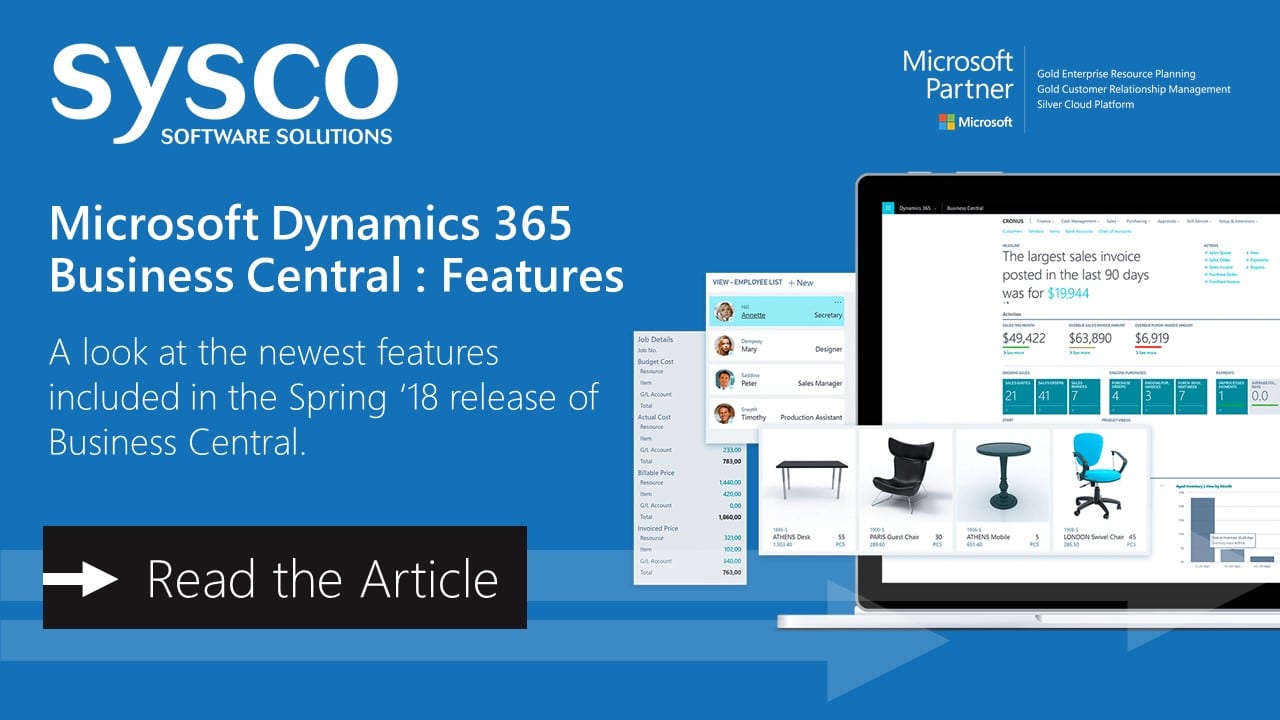
With the Spring ’18 release, Dynamics 365 Business Central brings the full power of Dynamics NAV to the cloud in 14 countries or regions and replaces Dynamics 365 for Finance and Operations, Business edition.
Existing Dynamics 365 for Finance and Operations, Business edition customers will be automatically upgraded to Dynamics 365 Business Central at the next upgrade of their service.
Dynamics 365 Business Central is the next generation of Dynamics NAV, one of the leading Microsoft business application products, which has served 140,000 customers and millions of users worldwide. Dynamics 365 Business Central is an extremely flexible solution, easily adaptable to the needs of geographies, industries, and individual customers.
The key investments Microsoft are making in this release include:
- A full suite of application functionality in the cloud.
- A refreshed and modern user experience, optimised for insights and productivity.
- An extensible platform by using apps from AppSource.
Modern user experience
With the Spring ’18 release, Dynamics 365 Business Central offers a refreshed and modern user experience, optimised for insights and productivity.
Essential and Premium Price Points
Dynamics 365 Business Central is available at two price points: Essential and Premium.
Essential Licensing: This covers business areas that most businesses require in order to run their business. These areas are described in the following sections.
Premium Licensing: This adds Service order management and Manufacturing, bringing the full breadth of the popular Dynamics NAV application to the cloud.
What’s Included Under Essential Licensing?
Financial management
- Basic General Ledger
Set up a company, and start posting to the general ledger, chart of accounts, general journals, VAT facilities, recurring journals, and source codes. - Budgets
Work with budgets in general ledger accounts. - Deferrals
Set up deferral templates that automate the process of deferring revenues and expenses over a predefined schedule. - Basic fixed assets
Keep track of fixed assets and related transactions, such as acquisitions, depreciations, write-downs, appreciations, and disposals. - Audit trails
The system automatically assigns audit trails and posting descriptions to every transaction. In addition, users can define reason codes to create complementary audit trails. - Bank account management
Create, operate, and manage multiple bank accounts to cater to your diverse business needs and across different currencies. - Reconciliation
Reconcile your bank statement data automatically to open bank account ledger entries end keep track of all your bank statements. - Dimensions
Add unlimited dimensions to any ledger for advanced transaction analyses. - Currencies
Manage multiple currencies throughout the system, including payables and receivables, general ledger reports, resource and inventory items, and bank accounts.
Customer Relationship Management (CRM Functionality)
- Contacts
Maintain an overview of your contacts, and record your contact information for all business relationships. - Campaigns
Organise campaigns based on segments of your contacts that you define. - Opportunity management
Keep track of sales opportunities, section your sales processes into different stages, and use this information to manage your sales opportunities. - Dynamics 365 for Sales integration
Integrate with Dynamics 365 for Sales in a few easy steps to synchronise your data, including sales orders, item availability, units of measure, and currencies. Find Out More
Supply Chain Management
- Sales order management
Manage sales orders, blanket sales orders, and sales order processes. - Basic receivables
Post sales transactions in journals and manage receivables. Register customers and manage receivables by using general journals. - Item transfers
Track inventory as it’s moved from one location to another, and account for the value of inventory in transit at various locations. - Purchase order management
Manage purchases, blanket orders, and purchase order processes. - Locations
Manage inventory in multiple locations that might represent a production plant, distribution centre, warehouse, showroom, retail outlet, or service car. - Basic warehousing
Manage items on a bin level. Pick and put away items in a bin, and move items between bins by using a report that optimises space usage and picking processes.
Human Resources
- Employees
Group and track employee information, and organise employee data according to different types of information, such as experience, skills, education, training, and union membership. - Expense management
Post expenses against employee cards to track and reimburse their expenses.
Project Management
- Resources
Register and sell resources, combine related resources into one resource group, or track individual resources. - Estimates
Monitor resource usage, and get a complete overview of your capacity for each resource, with information about availability and planned costs on orders and quotations. - Jobs
Keep track of usage on jobs and data for invoicing the customer. Manage both fixed-price jobs and time-and-materials jobs. - Time sheets
Time sheets are a simple and flexible solution for time registration with manager approval, and they integrate with Service, Jobs, and Basic Resources.
Other Features included in Essential Licensing
- Multiple languages
Switch languages on the client in real time, provided that the desired language is available. - Reason codes
Define a set of reason codes that can be assigned to individual transactions throughout the system, providing user-defined audit trails. - Extended text
Set up an unlimited number of lines to describe inventory items, resources, and general ledger accounts. - Intrastat reporting
Automatically retrieve the necessary data to report Intrastat information to statistics authorities. Local customs authorities can tell you whether your company is obligated to file such a report. - Outlook integration
Synchronise your to-do items and your contacts with your meetings, tasks, and contacts in Outlook.
Service Management & Manufacturing Capabilities under Premium Licensing
Service Order Management
- Service orders
Register your after-sales issues, including service requests, services due, service orders, and repair requests. - Service price management
Set up, maintain, and monitor your service prices. - Service item management
Record and keep track of all your service items, including contract information, component management, and BOM reference and warranty information. - Service contract management
Record details on service levels, response times, and discount levels, and also on the service history of each contract, including used service items and parts and labour hours. - Planning
Assign personnel to work orders, and log details such as work order handling and work order status. - Dispatching
Manage service personnel and field technician information, and filter according to availability, skills, and stock items.
Manufacturing
- Production orders
Create and manage production orders, and post consumption and output to the production orders. - Version management
Create and manage different version of the manufacturing bill of materials and routings. - Agile manufacturing
Plan rush hours, make exceptions, and handle last-minute changes to your processes with multiple planning options. - Basic supply planning
Plan for material requirements based on demand, with support for master production scheduling and materials requirements planning. - Demand forecasting
Plan and create production and purchase orders, taking into consideration the demand forecast together with the level of available inventory and parameters of requirement planning. - Capacity planning
Add capacities to the manufacturing process. Set up routings, and use these routings on production orders and in material requirements planning. - Machine centres
Manage capacity on several levels: on a more detailed level for machine centres and on a consolidated level for work centres. - Finite loading
Take capacity constraints into account, so that no more work is assigned to a work centre than the capacities can be expected to execute during a given time period.
Extensibility
Power BI, PowerApps, and Flow
Dynamics 365 Business Central comes with easy integration with Power BI, PowerApps, and Flow, so that you can configure capabilities and implement business flows without writing a single line of code.
Individual customisation
You can personalise Dynamics 365 Business Central by, for example, adding or removing fields. Use the embedded designer to customise the user interface by moving fields or de-cluttering the experience.






