
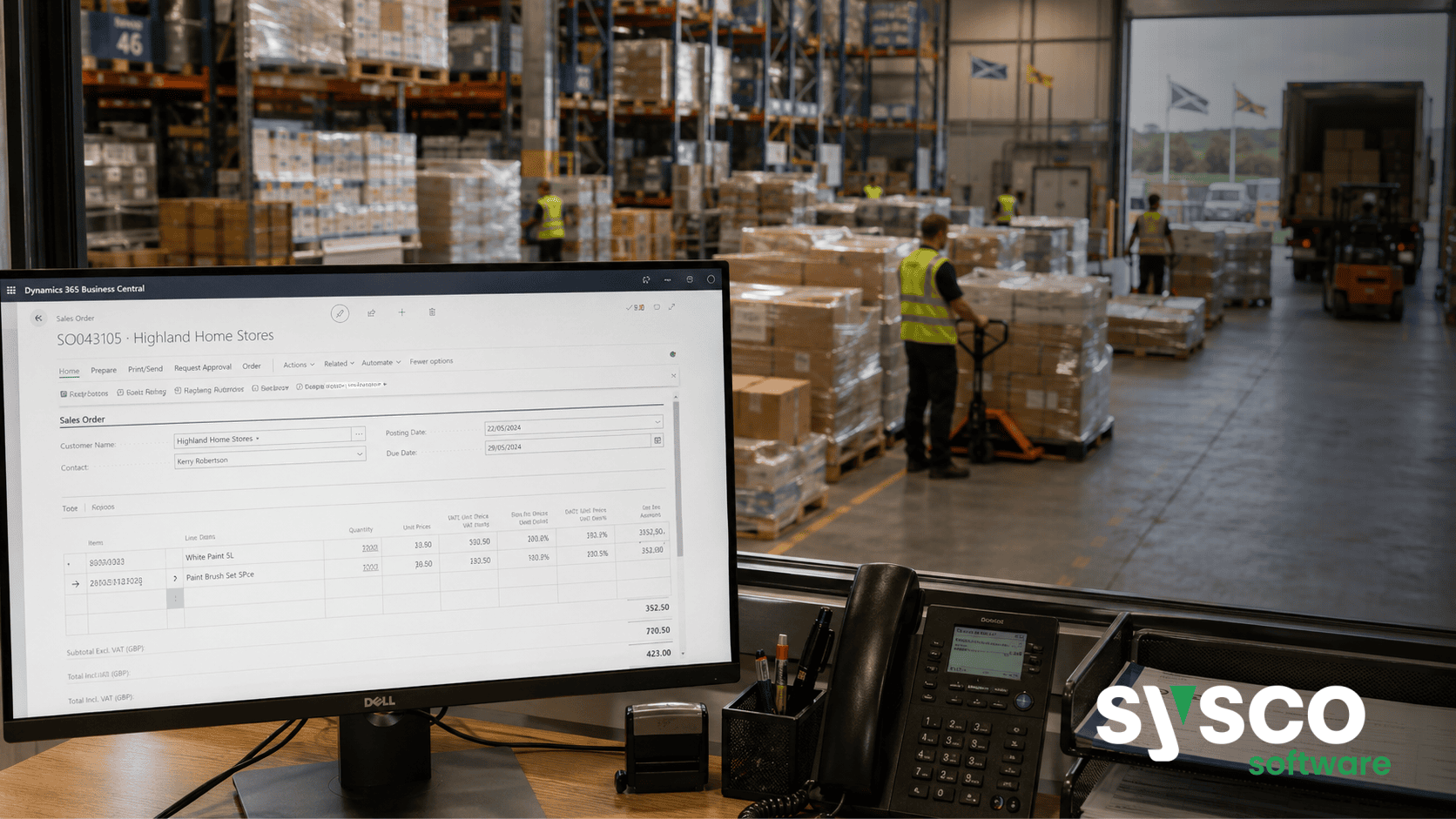
ERP Replacement: A Practical Guide for Wholesale Distributors
Replacing your ERP system is a significant undertaking, but it doesn’t have to be overwhelming. This guide will provide wholesale distributors with a clear roadmap for navigating an ERP replacement project successfully, covering everything from initial assessment to post-implementation optimisation. By the end of this article, you’ll understand the key considerations, steps, and potential pitfalls involved in choosing and implementing a new ERP solution that aligns with your specific business needs.
What to Consider Before Starting an ERP Replacement Project
Defining Your “Why”: Beyond Just Technology
Before even looking at software vendors or demoing solutions, it’s crucial to clearly define *why* you’re considering a replacement. Is your current system simply outdated? Are you facing limitations in functionality that are hindering growth? Perhaps regulatory changes necessitate an upgrade. A vague desire for “something better” isn’t sufficient; you need concrete reasons and measurable goals. This clarity will guide decision-making throughout the entire process.
Assessing Current System Limitations
A thorough assessment of your existing system is vital. Document its shortcomings: inefficient workflows, lack of integration with other systems, reporting limitations, or compliance issues. Speak to users across different departments – sales, purchasing, warehouse, finance – to gather a comprehensive understanding of the pain points. This will form the foundation for defining your requirements in the next phase.
Budgeting and Resource Allocation
ERP replacement projects aren’t cheap. Beyond software licensing costs, factor in implementation fees, data migration expenses, training budgets, and ongoing support charges. Don’t underestimate the internal resource commitment – you’ll need dedicated personnel from various departments to participate in requirements gathering, testing, and training. A realistic budget and clearly defined roles are essential for staying on track.
Assessing Current Pain Points and Defining Requirements
Workshops & Interviews
Conduct workshops with key stakeholders across all relevant departments. These sessions should focus on identifying current pain points, documenting existing workflows, and outlining desired improvements. Supplement these workshops with individual interviews to gain a deeper understanding of specific challenges and perspectives.
Prioritising Requirements: Must-Have vs. Nice-to-Have
Not all requirements are created equal. Categorise your needs into “must-have,” “should have,” and “nice-to-have” categories. Focus on the “must-haves” first – these are non-negotiable for achieving your business objectives. Be realistic about what can be achieved within budget and timeframe; some “nice-to-haves” might need to be deferred to a later phase.
Documenting Functional & Technical Requirements
Translate the gathered information into detailed functional and technical requirements documents. These documents should clearly articulate how the new ERP system will address your specific business needs, outlining features, integrations, reporting capabilities, and security protocols. This serves as a benchmark for evaluating potential solutions.
Evaluating Potential ERP Solutions: Key Features for Wholesale Distribution
Core Functionality Assessment
When evaluating ERP systems, focus on core functionality critical to wholesale distribution operations. Look for robust sales order processing, inventory management (including pallet control), procurement capabilities, warehousing support (barcoding and mobile proof of delivery), finance modules, EDI integration, and comprehensive reporting tools.
Industry-Specific Features
Consider solutions that offer industry-specific features tailored to wholesale distribution. This might include support for quality control processes, rebates management, credit control functionality, or specialised reporting requirements. Sysco Software’s Wholesale Distribution ERP is specifically designed with these considerations in mind.
Integration Capabilities
Assess the system’s ability to integrate with existing systems – e-commerce platforms, shipping carriers, customer relationship management (CRM) tools, and other critical applications. Seamless integration eliminates data silos and streamlines workflows, improving overall efficiency.
Vendor Reputation & Support
Research potential vendors thoroughly. Check references, read reviews, and assess their financial stability. A reliable vendor provides ongoing support, training, and updates to ensure the long-term success of your ERP investment.
The Business Central Advantage for Wholesale Distributors
Built on a Solid Foundation
Sysco Software’s Wholesale Distribution ERP is built on Microsoft Dynamics 365 Business Central, providing a robust and scalable foundation for your business. This means you benefit from the stability of a leading cloud platform with ongoing updates and enhancements.
Tailored Functionality for Wholesale Needs
Beyond core Business Central functionality, Sysco Software offers specialised extensions designed to address common wholesale distribution challenges – EDI integration, rebates management, credit control, quality testing, pricing optimisation, and more. These “Essential Apps” fill the gaps often found in standard ERP systems.
Scalability & Flexibility
Business Central’s modular design allows you to scale your ERP investment as your business grows. You can add or remove modules based on evolving needs, ensuring that your system remains aligned with your strategic objectives.
Planning Your Data Migration and Implementation Process
Data Cleansing & Preparation
Data migration is often the most challenging aspect of an ERP replacement project. Before migrating data to the new system, cleanse and prepare it – remove duplicates, correct errors, and standardise formats. This ensures data accuracy and minimises disruption during implementation.
Phased Implementation Approach
Consider a phased implementation approach, rolling out modules gradually rather than attempting a “big bang” migration. This allows for better control, reduces risk, and provides opportunities to learn from early successes.
User Training & Adoption
Adequate user training is crucial for successful ERP adoption. Provide comprehensive training sessions covering all relevant functionalities. Address user concerns proactively and provide ongoing support to ensure a smooth transition.
Essential Sysco Software Apps to Streamline Operations
EDI Integration
The EDI App facilitates seamless data exchange with suppliers and customers, automating order processing and invoicing, reducing manual effort and improving accuracy.
Rebates Management
Effectively manage rebates programs with the dedicated Rebates App, ensuring accurate tracking, reporting, and compliance.
Credit Control
Improve cash flow management with the Credit Control App, enabling automated credit checks, payment reminders, and proactive risk mitigation.
Sales Analysis History
Gain valuable insights into sales performance with the Sales Analysis History App, allowing for informed decision-making and targeted improvement initiatives.
Ready to explore how Sysco Software’s Wholesale Distribution ERP can transform your operations? Book a walkthrough today and discover how we can help you streamline processes, improve visibility, and drive growth.






