
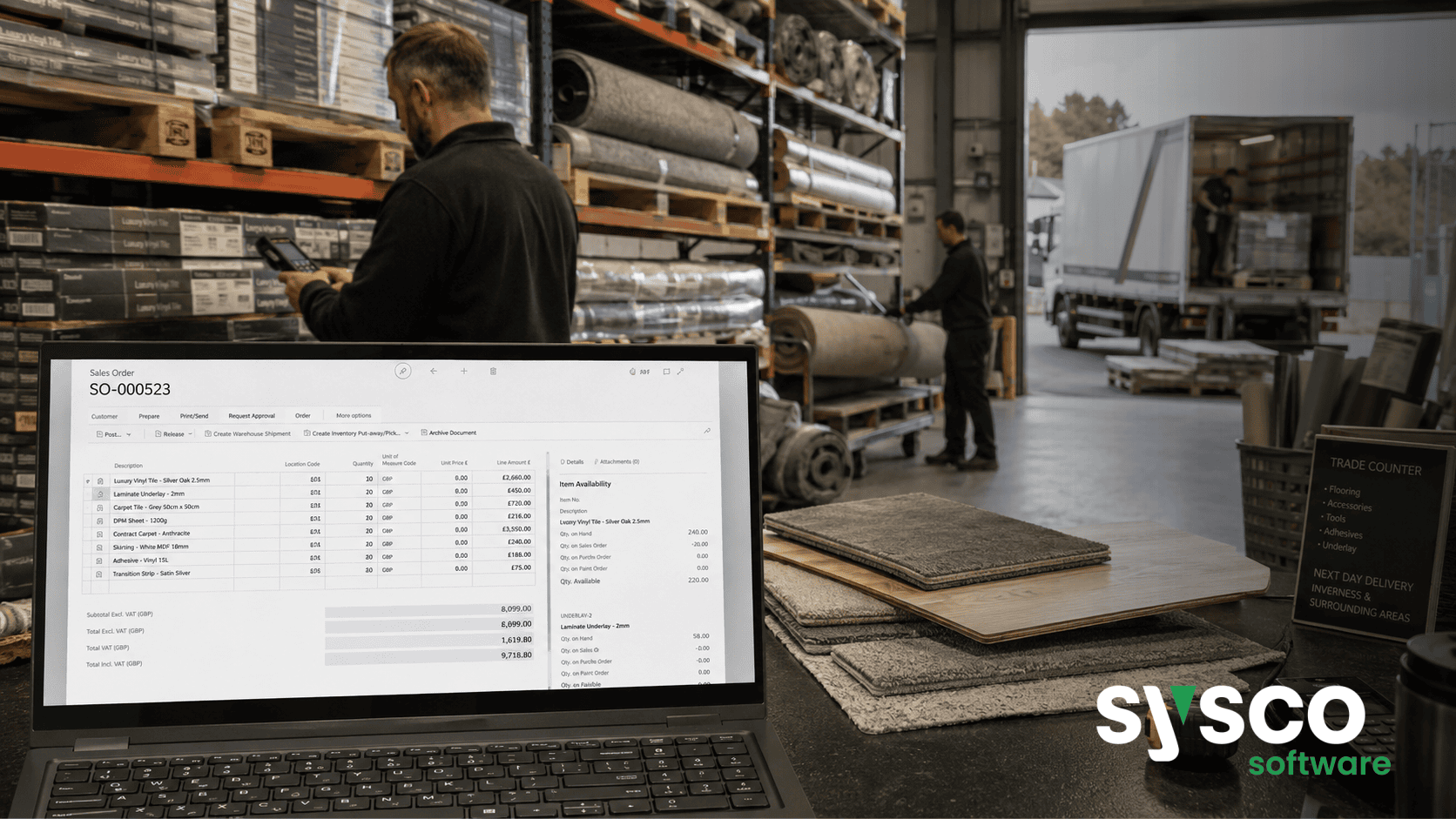
Wholesale ERP: A Step-by-Step Buyer’s Guide
Choosing an Enterprise Resource Planning (ERP) system for your wholesale distribution business is a significant investment, and it’s easy to feel overwhelmed by the options. This guide provides a clear, step-by-step process to help you navigate the selection journey, from defining your needs to post-implementation optimization.
By the end of this article, you’ll have a framework for evaluating ERP solutions, understanding total cost of ownership, and ensuring a successful implementation that delivers tangible benefits.
1. Define Your Wholesale Business Needs & Challenges
Before even looking at software, thoroughly document your business processes. Don’t just list tasks; identify the pain points.
Are sales orders frequently delayed? Is stock accuracy a constant battle?
Do you struggle with EDI compliance or managing rebates?
- Sales Order Processing: Analyze bottlenecks in order entry, fulfillment, and invoicing.
- Inventory Management: Assess current methods for tracking stock levels, expiry dates (for perishable goods), and warehouse locations.
- Warehouse Operations: Evaluate picking, packing, shipping processes, and the use of technology like barcode scanners.
- Procurement & Supplier Relationships: Map out your purchasing cycle, supplier communication, and contract management.
- Finance & Reporting: Identify reporting gaps and inefficiencies in financial close processes.
Talk to stakeholders across departments – sales, warehouse, finance, procurement – to gather a comprehensive view of operational challenges.
2. Assess Current Systems and Identify Gaps
Take an honest inventory of your existing systems. Are you relying on spreadsheets, legacy software, or disconnected applications?
Document the limitations of each system and how they impact business performance. This assessment will highlight areas where an ERP can provide significant improvements.
- Spreadsheets: While useful for smaller businesses, spreadsheets often lack scalability, accuracy, and audit trails.
- Legacy Software: Older systems may be difficult to integrate with other applications and may not support modern business practices.
- Disconnected Applications: Using separate software for sales, inventory, and finance can lead to data silos, manual reconciliation, and increased errors.
Quantify the impact of these gaps wherever possible. For example, calculate the cost of stockouts due to inaccurate inventory data or the time spent manually reconciling invoices.
3. Research Potential ERP Solutions (Including Business Central)
With a clear understanding of your needs and current limitations, begin researching potential ERP solutions. Consider factors like industry specialization, scalability, integration capabilities, and vendor reputation. Microsoft Dynamics 365 Business Central is a popular choice for wholesale distributors due to its flexibility and affordability.
- Industry Specialization: Look for solutions designed specifically for the wholesale distribution sector. These often include pre-built functionality and best practices tailored to your industry.
- Scalability: Ensure the solution can accommodate future growth in terms of users, transactions, and data volume.
- Integration Capabilities: Consider how well the ERP integrates with existing systems, such as EDI providers or e-commerce platforms. Sysco Software’s Wholesale Distribution ERP offers built-in integrations for common wholesale needs.
- Vendor Reputation & Support: Research vendor reviews and assess their commitment to customer support and ongoing development.
Sysco Software’s Wholesale Distribution ERP, built on Business Central, provides a comprehensive solution addressing many unique challenges faced by UK and Irish distributors.
4. Develop a Budget and ROI Projection
ERP implementations are significant investments. Create a detailed budget that includes software licensing costs, implementation services, data migration, training, and ongoing support.
Then, develop an ROI projection to justify the investment. Consider both tangible benefits (e.g., reduced inventory carrying costs, improved order accuracy) and intangible benefits (e.g., increased employee productivity, better decision-making).
- Software Licensing: Costs vary depending on the number of users and modules required.
- Implementation Services: This includes consulting, configuration, data migration, and training.
- Data Migration: Extracting data from legacy systems and importing it into the new ERP can be time-consuming and complex.
- Training: Proper training is essential for user adoption and maximizing ROI.
- Ongoing Support & Maintenance: Factor in costs for software updates, technical support, and potential customizations.
5. Request Demos and Evaluate Vendor Support
Request demos from several vendors to see the solutions in action. Prepare a list of key scenarios you want to see demonstrated, such as processing a sales order, managing inventory levels, or generating financial reports. Critically evaluate vendor support capabilities – responsiveness, expertise, and availability.
- Prepare Scenarios: Focus on your specific business processes and challenges during the demo.
- Assess User Interface: Evaluate ease of use and intuitiveness for different user roles.
- Evaluate Customization Options: Determine how easily the solution can be customized to meet unique requirements. Sysco Essential Apps extend Business Central’s functionality, offering quick wins for common wholesale processes.
- Check References: Speak with existing customers of the vendor to get firsthand feedback on their experience.
6. Plan for Implementation: Team, Data & Training
Successful ERP implementation requires careful planning and execution. Assemble a dedicated project team including representatives from key departments.
Develop a detailed data migration plan, ensuring data accuracy and completeness. Provide comprehensive training to all users.
- Project Team: Assign clear roles and responsibilities for each team member.
- Data Migration Plan: Define data cleansing, mapping, and validation procedures.
- Training Program: Develop a structured training program that covers key functionality and best practices. Consider role-based training to tailor content to specific user needs.
Phased implementation can reduce risk and allow users to gradually adapt to the new system.
7. Post-Implementation Review and Ongoing Optimization
After go-live, conduct a thorough post-implementation review to assess performance against initial goals. Identify areas for improvement and implement ongoing optimization measures. Regularly monitor key metrics such as order accuracy, inventory turnover, and customer satisfaction.
- Performance Metrics: Track KPIs to measure the impact of the ERP on business outcomes.
- User Feedback: Gather feedback from users to identify areas where the system can be improved.
- System Updates & Enhancements: Stay up-to-date with software updates and consider implementing new features as they become available.
To help you get started on your ERP journey, book a walkthrough of Sysco Software’s Wholesale Distribution ERP and discover how it can streamline your operations and drive business growth.






