
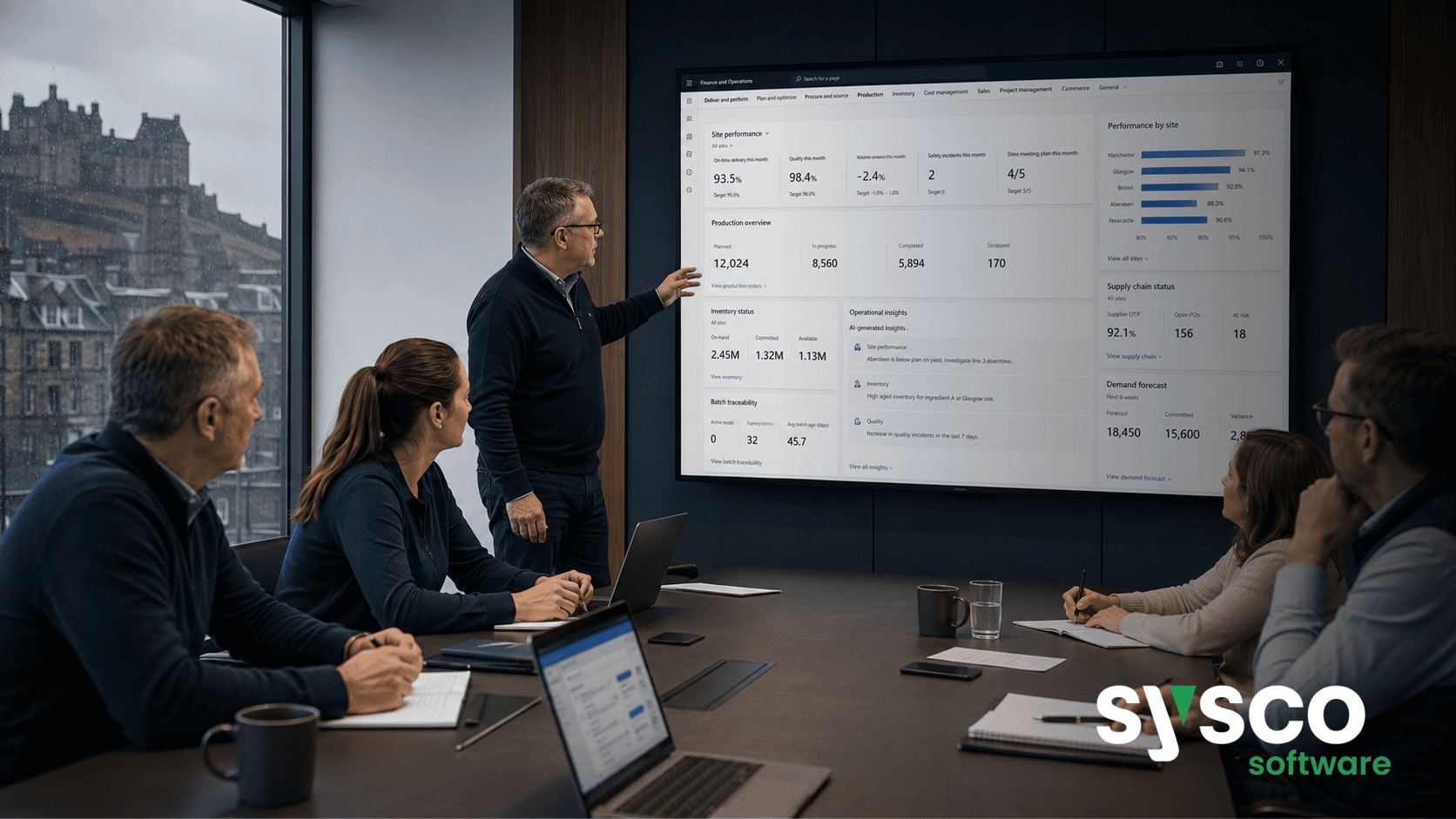
Dynamics 365 AI: Separating Signal From Noise
Many organisations believe that implementing artificial intelligence within Microsoft Dynamics 365 is an all-or-nothing proposition – either a transformative overhaul requiring extensive coding and specialised expertise, or a superficial layer of chatbots offering little practical value. The reality lies somewhere in between; successful Dynamics 365 AI initiatives hinge on separating the genuine opportunities for workflow automation from the noise of hype and unrealistic expectations.
What’s the Noise? Understanding Common Dynamics 365 AI Misconceptions
The Hype Cycle
The rapid advancement of generative AI has fuelled a surge in enthusiasm, but it’s crucial to distinguish between potential and practical application. Many organisations are tempted by flashy demos and promises of instant transformation without fully understanding the underlying requirements for data quality, governance, and integration with existing Dynamics 365 processes.
The “AI Will Do It All” Fallacy
A common misconception is that AI can automatically solve complex business problems without human oversight or intervention. While Microsoft Copilot and prebuilt agents offer significant assistance, they are tools to augment human capabilities, not replace them entirely. Effective implementation requires careful planning, clear objectives, and ongoing monitoring.
The “Build It and They Will Come” Trap
Simply deploying AI features without a defined use case or business problem rarely leads to adoption or value. Users need to understand how these tools will benefit their daily work and improve overall efficiency. Without this understanding, the potential of Dynamics 365 AI remains unrealised.
The Value of Focused AI: Defining Business Problems First
Start with a Problem Statement
Before even considering specific AI capabilities, organisations should begin by identifying clear business problems that can be addressed through automation. This requires collaboration between IT, business users, and management to define measurable objectives and success criteria.
Prioritise High-Impact Workflows
Not all workflows are created equal. Prioritising those that consume significant time, involve repetitive tasks, or have a direct impact on key performance indicators (KPIs) will yield the greatest return on investment. For example, automating vendor invoice processing in Dynamics 365 Finance and Supply Chain Management can free up valuable finance team resources.
Consider the Human Element
AI should be viewed as a tool to enhance human capabilities, not replace them entirely. Focus on workflows where AI can handle routine tasks, freeing up employees to focus on more strategic initiatives that require creativity, critical thinking, and complex decision-making.
Identifying High-Potential Dynamics 365 Workflows
Customer Order Capture in Business Central
For Dynamics 365 Business Central users, automating customer order capture from email can significantly reduce manual data entry and improve processing speed. The Sales Order Agent helps streamline this process by automatically creating sales orders directly from incoming emails.
Lead Qualification in Dynamics 365 Sales
In Dynamics 365 Sales, the Sales Qualification Agent can automate the initial qualification of inbound leads, freeing up sales representatives to focus on high-potential opportunities. This agent uses predefined criteria to assess lead quality and prioritise follow-up efforts.
Work Order Preparation in Field Service
Dynamics 365 Field Service dispatchers can leverage AI to automatically generate work order summaries and preparation notes, ensuring technicians arrive onsite with the necessary information and context. The Scheduling Operations Agent provides optimised scheduling suggestions based on technician skills and availability.
Leveraging Existing Capabilities Before Custom Development
Microsoft Copilot Chat
Before embarking on custom agent development, explore the capabilities of Microsoft Copilot Chat within Dynamics 365 Business Central. This tool offers natural-language support for grouping, calculations, and analysis tabs, providing immediate value without requiring extensive configuration.
Prebuilt Agents
Microsoft provides a range of prebuilt agents for common business processes, such as vendor invoice intake (Payables Agent in Dynamics 365 Finance) and supplier communication (Procurement Agent). These agents offer a quick and easy way to automate routine tasks while adhering to established security and governance policies.
Copilot Summaries
Utilise Copilot summaries within Dynamics 365 applications to quickly gain insights into complex data sets. This feature provides concise overviews of products, vendors, purchase orders, and sales orders, reducing the time spent sifting through information.
Governing Your Dynamics 365 AI Initiatives for Success
Data Quality is Paramount
AI algorithms are only as good as the data they consume. Maintaining high-quality, accurate, and consistent data within Dynamics 365 is essential for ensuring reliable AI performance. Invest in data cleansing and validation processes to minimise errors and biases.
Establish Clear Ownership and Accountability
Define clear roles and responsibilities for managing and maintaining AI workflows. This includes identifying owners for data governance, model training, and ongoing monitoring.
Implement Robust Security and Compliance Controls
Ensure that Dynamics 365 AI initiatives comply with relevant security and regulatory requirements. Implement access controls, audit trails, and data encryption to protect sensitive information.
Sysco Software: Partnering for Clearer AI Direction
Navigating the complexities of Dynamics 365 AI requires expertise and a structured approach. Sysco Software offers Dynamics 365 AI Workflow Discovery engagements to help organisations identify suitable automation opportunities, assess data readiness, and develop a clear implementation plan.
We also provide Agent Readiness and Governance Assessments to ensure that AI initiatives are aligned with business objectives and comply with relevant regulations. Explore how Sysco Software can help you unlock the true potential of Dynamics 365 AI.






