
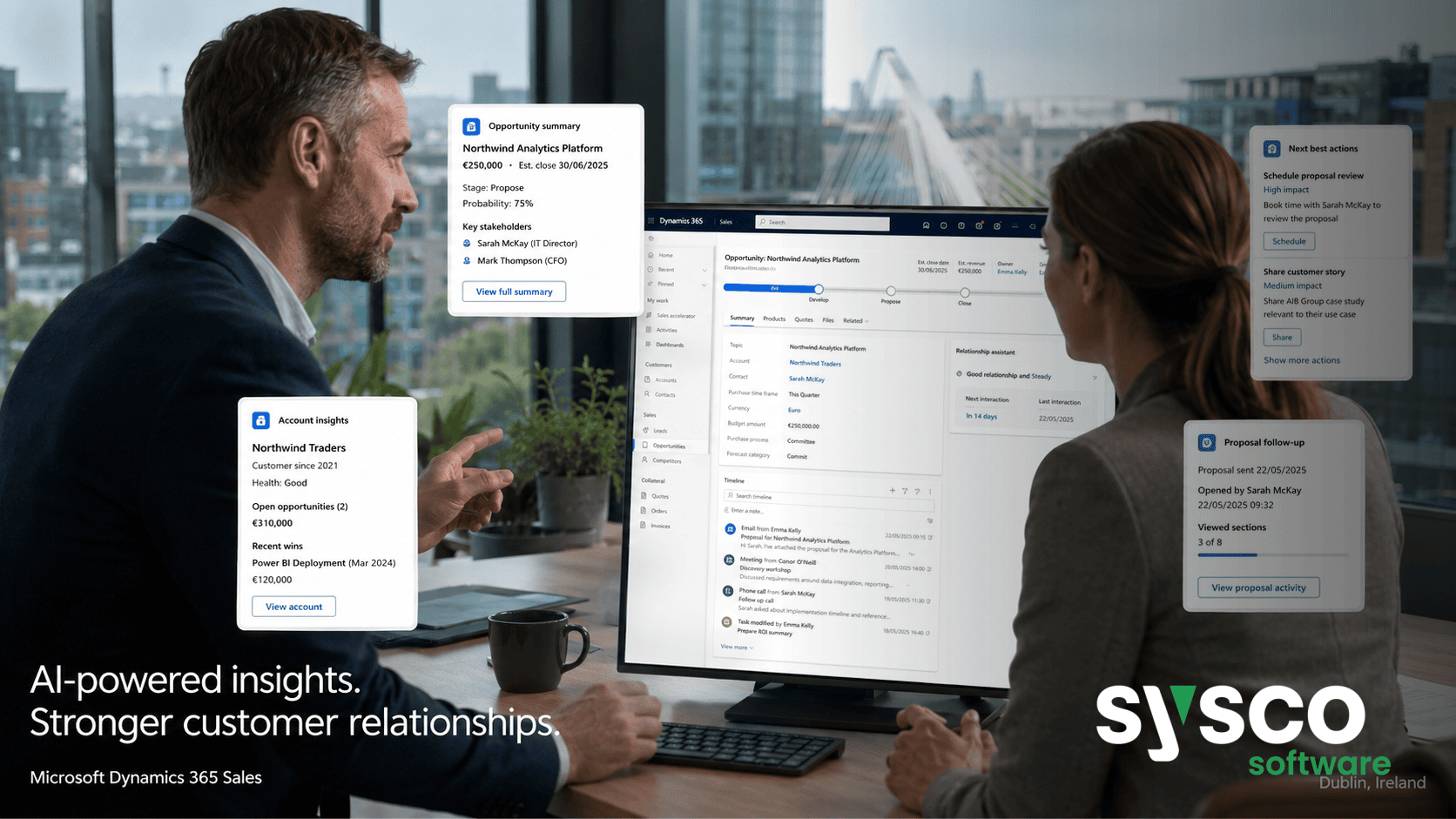
Dynamics 365: Extend AI, Don’t Reinvent It
The smartest approach to leveraging artificial intelligence within Microsoft Dynamics 365 is to build upon existing capabilities and extend them for specific business needs, rather than attempting to create entirely new AI solutions from scratch. Many organisations are drawn to the promise of AI but quickly become overwhelmed by the perceived complexity of development or distracted by generic experimentation.
This article will guide you through understanding what’s already available in Dynamics 365, how to use it effectively, and when customisation is genuinely necessary.
Understanding Dynamics 365’s Built-in AI Capabilities
Dynamics 365 has increasingly sophisticated built-in AI features designed to address common business challenges across its various modules – Business Central, Sales, Field Service, Finance, and Supply Chain Management. These capabilities aren’t simply “add-ons”; they are integrated into core processes, providing immediate value without requiring extensive configuration or development.
Before embarking on a custom AI project, it’s crucial to thoroughly assess what Dynamics 365 already offers. This includes exploring features like Copilot Chat for natural language interactions and data exploration, analysis mode for deeper insights, and prebuilt agents designed to automate specific tasks.
For example, in Business Central, the Sales Order Agent streamlines email-based order capture, while the Payables Agent assists with vendor invoice intake. Understanding these existing tools is paramount; otherwise, you risk duplicating functionality or creating solutions that are less efficient than what’s already available.
Leveraging Copilot Chat for Business Data Insights
Microsoft Copilot, integrated within Dynamics 365, provides a conversational interface to your business data. Unlike traditional reporting dashboards, Copilot allows users to ask questions in natural language and receive instant answers based on real-time information stored within Dynamics 365.
This capability is particularly useful for users who are not comfortable with complex reports or have limited technical expertise. For instance, a sales manager could ask, “What were my top five deals closed last quarter?” and Copilot would instantly provide the answer.
Similarly, finance teams can use Copilot to understand account balances, investigate discrepancies, or generate summaries of financial performance. The value lies not just in retrieving information but also in facilitating data-driven decision-making across all levels of an organisation.
The ability to query your business data using natural language significantly reduces the time spent searching for information and empowers users to gain deeper insights from their Dynamics 365 investment.
Sales Order and Payables Agents: Automating Key Processes
Dynamics 365 offers prebuilt agents specifically designed to automate repetitive, high-volume tasks within sales order processing and accounts payable. The Sales Order Agent, available in Business Central, automatically captures customer orders received via email, extracting relevant information such as product details, quantities, and pricing.
This eliminates the need for manual data entry, reducing errors and accelerating the order fulfillment process. Similarly, the Payables Agent streamlines vendor invoice intake by automatically processing invoices received electronically or scanned images.
These agents can draft invoices for approval, reducing manual effort and improving payment accuracy. By automating these key processes, organisations can free up valuable staff time to focus on more strategic activities, such as customer relationship management and supplier negotiations.
The consistent application of these prebuilt solutions also contributes to improved operational efficiency and reduced costs.
Field Service AI: Optimizing Dispatch and Technician Support
For organisations relying heavily on field service operations, Dynamics 365 offers a range of AI-powered tools designed to optimise dispatching, scheduling, and technician support. The Field Service Copilot provides work order summaries, recent history highlights, and timeline views, ensuring technicians arrive on site with the necessary context.
Interactive Optimizations leverage AI to dynamically adjust schedules based on real-time conditions, such as traffic delays or unexpected cancellations. This helps minimise downtime and maximise technician utilisation.
Furthermore, the Scheduling Operations Agent assists dispatchers in efficiently assigning work orders to available technicians, taking into account skills, location, and priority. These capabilities are particularly valuable for industries like utilities, engineering, and healthcare equipment maintenance, where timely and efficient service is critical to customer satisfaction.
Building Upon Existing Foundations with Custom Agents
While Dynamics 365 provides a wealth of prebuilt AI solutions, there will inevitably be scenarios requiring custom agent development. However, it’s crucial to approach these projects strategically.
The best practice is to leverage Microsoft Copilot Studio and the Power Platform to build upon existing Dynamics 365 functionality rather than attempting to replicate core business processes from scratch. This allows you to extend the platform’s capabilities while maintaining a governed environment and preserving human oversight.
For example, an organisation might use Copilot Studio to create a custom agent that integrates with a third-party data source or automates a specific workflow not covered by the prebuilt agents. It is vital to define clear objectives, establish robust governance policies, and ensure that any customisations align with overall Dynamics 365 strategy.
Next Steps: Discovering Your Dynamics 365 AI Potential
The journey towards leveraging artificial intelligence within Dynamics 365 doesn’t have to be daunting. Start by conducting a thorough assessment of your current business processes and identifying areas where AI can deliver the greatest impact.
Engage with Sysco Software for a Dynamics 365 AI Workflow Discovery engagement to gain clarity on potential opportunities and avoid costly duplication of effort. We will help you separate useful workflows from generic AI ideas, identify data and governance gaps early, and create an agreed-upon pilot plan.
To begin unlocking your Dynamics 365 AI potential,explore our Microsoft Dynamics 365 servicesand let us help you transform your business with intelligent automation.






